
If MW4 will not keep your Multiplayer Loadout, Activision has acknowledged a saving issue affecting some players across all platforms. That is separate from the normal Weapon Build rule: changes in Gunsmith need a manual save, while builds edited during a match save automatically. Identify which setup is missing before treating the two as the same problem.
MW4 Loadouts Not Saving? Known Bug and Build Save Rules
In this guide
Check these three cases first
- Your entire Multiplayer Loadout will not save: a confirmed issue is under investigation.
- A reusable Weapon Build is missing: leaving Gunsmith no longer saves it automatically.
- Create-a-Class is locked: it opens at Player Level 4; earlier levels use default loadouts.
Checked October 23, 2026. The official Known Issues page, dated October 22, does not provide a workaround or fix time for the Multiplayer Loadout problem. This guide explains the confirmed distinctions and a short checking process; it does not promise a fix.
Is MW4’s loadout-saving problem a confirmed bug?
Yes, for some Multiplayer players. Activision lists an issue preventing Loadouts from saving and marks it under investigation on all platforms. That does not mean every missing setup has the same cause, or that every player is affected.
A full Loadout includes more than a weapon configuration. A Weapon Build is the gun setup you want to keep and reuse. The publisher’s Create-a-Class briefing explains the broader class, while the launch patch notes explain Weapon Build saving. One is not a substitute for the other.
| What you notice | Checked explanation | Next check |
|---|---|---|
| Your Multiplayer Loadout will not save | Activision acknowledges an issue affecting some players. | Check the current support entry; no official workaround or fix time was listed when checked. |
| A gun configuration is absent from saved Builds | Gunsmith Weapon Build saves are manual. | Save the configuration using the control displayed in your client, then inspect its saved entry. |
| A build changed during a match | In-match Weapon Build edits save automatically under the launch rules. | Check which configuration you now have rather than assuming an older version remains selected. |
| You cannot create a custom class yet | Create-a-Class unlocks at Player Level 4. | Check your player level; a locked menu is different from a saving failure. |
How does saving a Weapon Build work now?
Save it manually in Gunsmith. Infinity Ward says leaving Gunsmith previously created automatic saved entries and crowded the Build list. The launch change gives you control over which configurations to retain. Edits made in a match still save automatically.
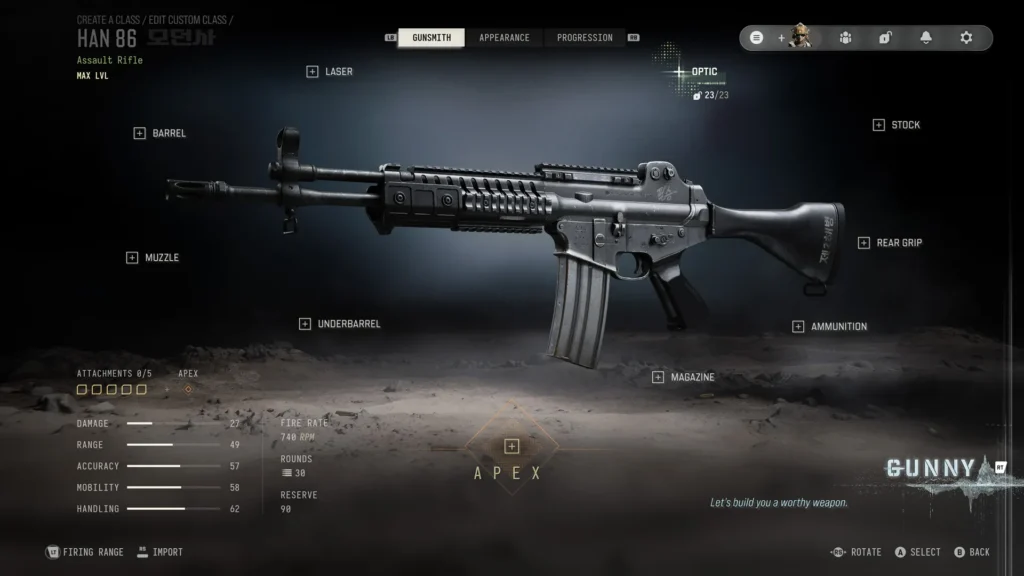
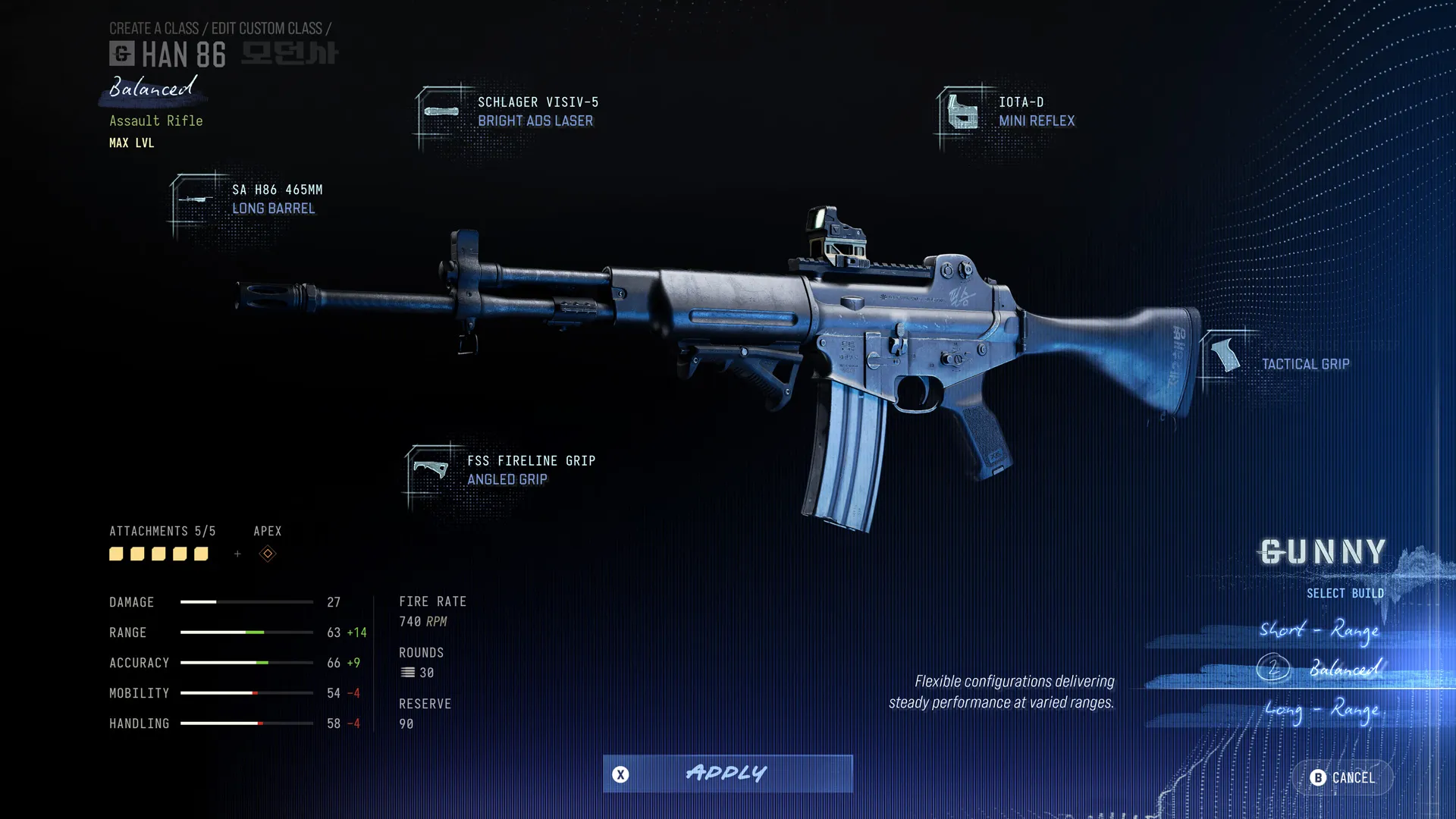
The patch notes do not specify one universal keyboard key or controller shortcut. Follow the save control shown in your actual game client. The official images here illustrate the weapon menus; they do not reproduce the reported bug or establish a save-button location.
What should you check before reporting a missing setup?
This is an editorial verification checklist based on the published distinctions. We have not reproduced the bug or tested a repair.
- Name the missing item. Is the whole custom Loadout failing to persist, or is one reusable Weapon Build absent?
- Check custom-class access. Before Player Level 4, use the available default loadouts; you have not yet unlocked Create-a-Class.
- For a Weapon Build, use the manual save control. Record the base weapon and attachment setup you intended to keep. Reopen the same weapon’s saved Build choices and compare.
- Separate applying from saving. A Gunny suggestion or a selected attachment is not evidence that a reusable saved entry exists.
- If the full Loadout still will not save, check the live issue status. The manual-save rule is not a verified workaround for that acknowledged bug.
For example, if you change the optic on a Han 86 outside a match, do not assume exiting Gunsmith creates a new reusable variant. Manually save the version you want, then inspect the saved entry for that same weapon. If the wider Loadout still refuses to persist, that observation belongs to the separate support issue.
Does the Firing Range prove that saving worked?
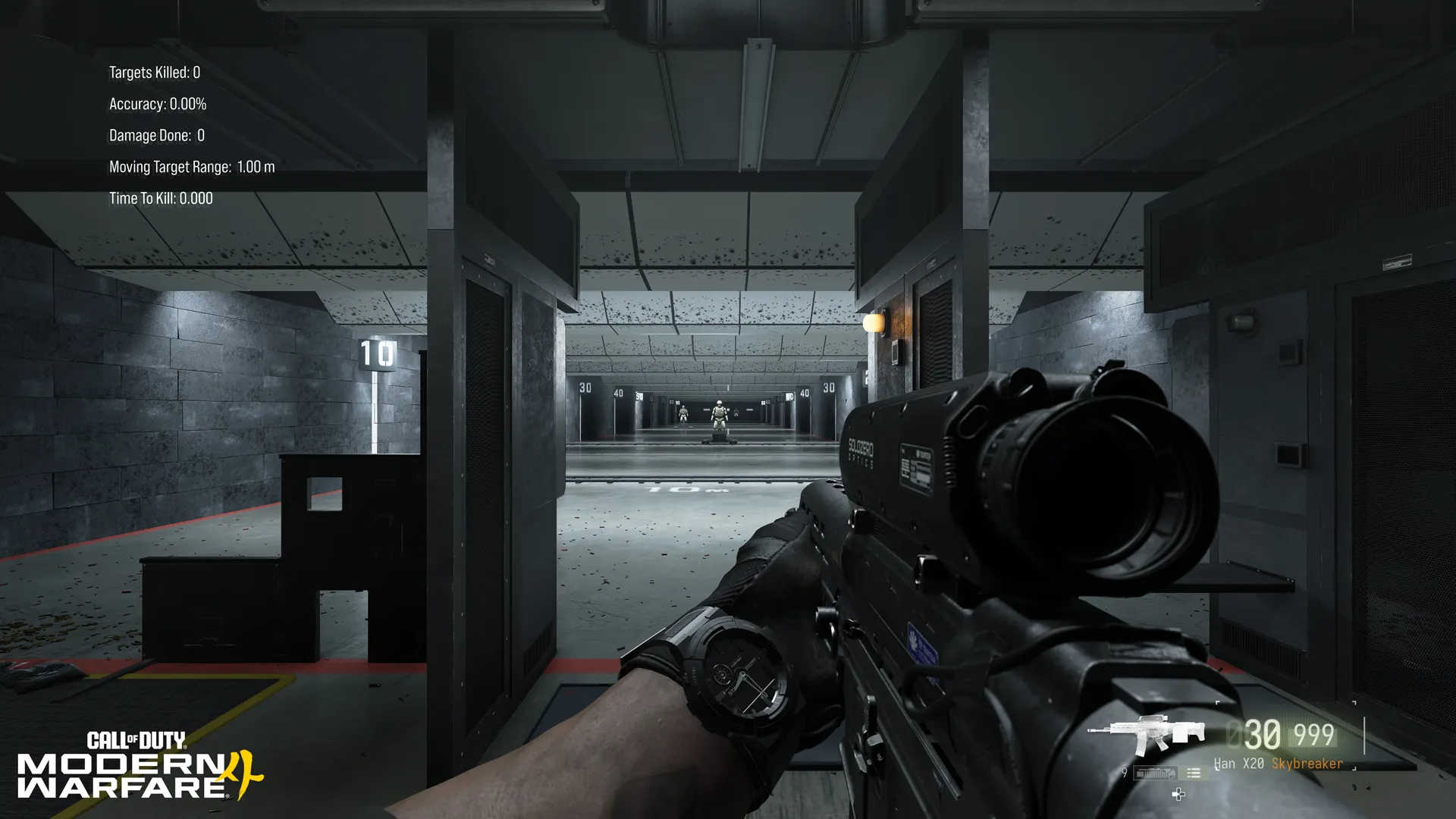
No. The official weapon briefing shows the Firing Range as a place to try a configuration. It can help you inspect what is currently equipped; that is different from confirming a reusable saved entry or proving that a full Multiplayer Loadout will persist.
Is there an official workaround or fix date?
None is supplied for Multiplayer Loadout saving in the checked support entry. Follow the current Known Issues page for changes. Instructions listed under other problems, such as DMZ Operator Prestige, apply to those specific entries.
If you encounter a different issue that is not listed, Activision links its MW4 bug-report form. A useful report describes the platform, mode, weapon, exact action and what failed to persist. The form is not a guaranteed repair or a reason to submit repeated reports of an already listed issue.
Where do weapon levels and Boss services fit?
Use our MW4 weapon guides for the gun you are working on and the camo tracker to organize a challenge checklist. Neither tool reads your account’s saved Loadouts or fixes the game.
If your separate goal is unlocking weapon levels, review the actual options on our MW4 Weapon Leveling service. Ordering is open on that listing as checked October 23. It is a progression service, not a repair for the loadout-saving bug. No fulfillment capacity, completion time or troubleshooting outcome is promised here.
For broader unlock and reset rules, read our MW4 progression guide. Keeping those systems separate makes it easier to identify the help you actually need.
Quick answers
Does leaving Gunsmith save my Weapon Build?
Not automatically under the launch rules. Save a Weapon Build manually in Gunsmith. In-match Weapon Build edits save automatically.
Will manual saving fix the Multiplayer Loadout bug?
That has not been established. Manual Weapon Build saving is normal behavior; the acknowledged Multiplayer Loadout issue is a separate problem under investigation.
Why is Create-a-Class locked?
Custom-class access opens at Player Level 4. Before that, the official briefing directs players to default loadouts.
Are missing Combat Record stats the same problem?
No. Activision separately acknowledges missing Combat Record and Leaderboard statistics as a display issue while stats continue to be tracked. That statement does not prove that every individual camo or challenge counter is working correctly.
Imagery: original official Gunsmith editor, Gunny suggestion and Firing Range previews from the October 19 Create-a-Class briefing. © Activision / Infinity Ward / Call of Duty. They illustrate the discussed systems; no image claims to demonstrate a bug or repair.
Prepared by the Boss Services editorial team. Primary sources: October 19 weapon briefing, October 21 launch patch notes and Known Issues page dated October 22; checked October 23, 2026. This guide uses publisher evidence and editorial checking advice, not firsthand bug testing. Update the issue status before relying on this article after a later patch.