A
alex04lua
Website · October 6, 2026
★★★★★
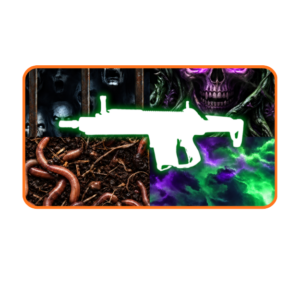
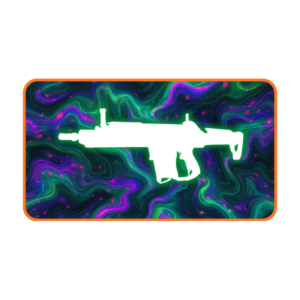
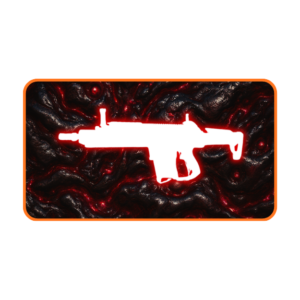
Boss Services Black Ops 7 Warzone Winstreak Boost — we run a consecutive-win streak on your account by hand and unlock the matching Warzone streak camo. Stack 10, 25, 30, or 50 wins in a row across Battle Royale, Black Ops Royale, or Resurgence and the static and animated camos land exactly as if you'd run the streak yourself. No cheats and no software — a verified booster plays it out.
Because every order is completed on console — you choose PlayStation or Xbox at checkout. Hands-on-controller play means no hacks, cheats, or third-party software are involved, which is the safest method for your account and the most legitimate result. Progress lives on your Activision account, so everything carries over to PC as well.
In Call of Duty open Settings → Account & Network → Linked Accounts (or link it on the Activision website) and connect a PlayStation Network or Xbox account. Your COD progress lives on your Activision account, so linking a console account doesn't move or risk anything — it just lets us deliver on console. Make sure you link to the correct Activision account (the one with your COD profile). No PSN or Xbox account yet? Creating one is free.
On PlayStation go to Account Settings → Security → 2-Step Verification → Backup Codes (turn on 2-Step Verification first if it's off). You'll get a list of one-time codes — paste 3–4 unused ones into the order form. They let your booster sign in securely while you're offline, and you can regenerate them at any time.
The static camo unlocks at the lower milestone (10 or 30 wins) and the animated version at the higher one (25 or 50 wins). Every animated tier also includes the static camo you pass on the way, so you get both.
Yes — every win counts on your account, and the battle pass XP, weapon XP, and anything else earned during the streak all stay with you.
Yes. Streak camos are earned by playing the wins, so your booster signs in with the temporary login you provide, runs the streak, and you change your password back once it's done. It's all coordinated in your order ticket first.
Yes — pick Xbox or PSN at checkout. Black Ops 7 Warzone has full crossplay, so one Activision ID covers your account either way.
We track each Warzone season — if Activision rotates the streak rewards, this page is updated with the current camos and win targets.
You set a temporary password for delivery and change it back the moment your order is done, so we never keep lasting access. Your booster only does the work you ordered, and nothing starts until you've signed off in the ticket.
No boosting service can promise zero risk. We reduce risk by using the delivery method described on this page and limiting the service to what you ordered. If we cannot complete the order, our refund policy applies.
PC, PSN, and Xbox. Black Ops 7 Warzone has full crossplay, so one Activision ID covers every platform.
Yes — full refund before the order starts, partial mid-flight. See our Refund page.